


Although your personal budget will play the biggest role in deciding which tablet you’ll buy, the wider ecosystem of a tablet is just as important to everyday use. For instance, if you use an iPhone then you’ll find that all of your photos, contacts and login information are more seamlessly accessible on an iPad, whereas those who use a Samsung or Pixel phone for instance will incur less friction when picking up an Android tablet. Of course, it’s not an essential requirement that you have a phone that overlaps where software is concerned, but it does make a difference.
From affordable picks to high-performing options, there’s a ton of variety in this list so it’s very likely that you’ll find exactly what you’re looking for right here. However, if you decide that you’d rather keep the cost down no matter what then you may be better served by our separate guide to the best budget tablets. For other recommendations in the world of tech, you can peruse our rankings of the best smartphones and the best smartwatches.
Top early Prime Day tablet deals
The October Prime Day sale is almost upon us, and if you’re thinking about delving into some much-needed retail therapy then you can check out our full coverage for the event. Alterantively, there are quite a few early deals now available for your perusal.
Best tablet reviews
1. Honor MagicPad 4 – Best Overall
Pros
- Slim, lightweight body
- Beautiful OLED screen
- Superb performance
- Speedy charging
Cons
- Cluttered UI
- Limited update promise
- Accessories aren’t the best
Price When Reviewed:
Unavailable in the US
Best Prices Today:


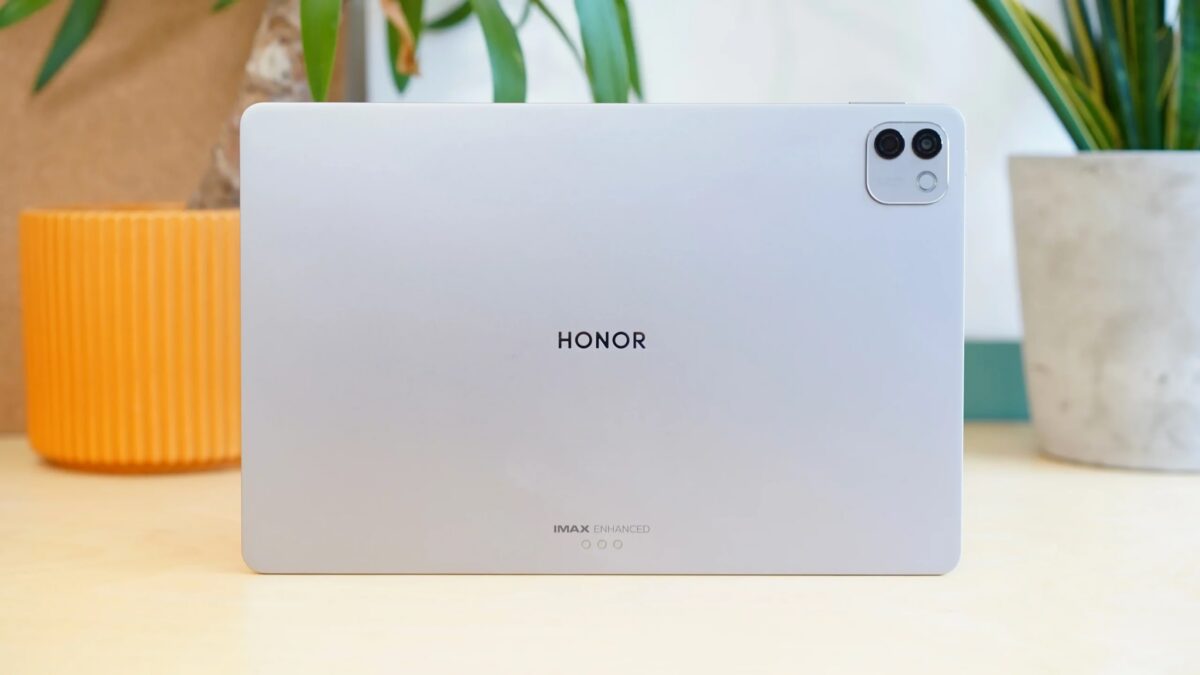
If ever you needed proof that Honor is actively listening to feedback on its latest devices, look no further than the MagicPad 4. Even though the Honor MagicPad 3 was a great tablet and a solid alternative to the OnePlus Pad 3, the removal of an OLED screen felt odd, but the company has reinstated the more eye-catching panel in its successor.
Now we have a jaw-dropping 12.3-inch OLED display with a super-fast 165Hz refresh rate and a solid 2400 nits of peak brightness to boot. For both entertainment and productivity, the MagicPad 4’s display offers everything you could want, but the fact that this improved screen tech now comes in a slimmer device that’s only 4.8mm thin needs to be seen to be believed.
Anyone in need of a tablet for work should seriously consider the MagicPad 4 as the Snapdragon 8 Gen 5 chipset provides great everyday performance that’s largely on par with the Snapdragon 8 Elite CPU. The built-in PC Mode also lets you have tons of windowed apps open at one time and you can resize/move them as you see fit, recreating the feeling of using a traditional desktop or laptop.
It all works incredibly well, but just like with other Honor tablets before it, we wish the MagicPad 4 didn’t have quite so much bloatware, given that it is a fairly pricey product. You’re also only getting at least three years of software updates, which means the MagicPad 4 isn’t as futureproof as something like the iPad Air, so you’ll have to weigh up whether you’re happy with having premium specs in exchange for longevity.
Who should buy the Honor MagicPad 4?
Professionals in need of a tablet for both work and entertainment.
Honor MagicPad 4: Further considerations
iPads and Galaxy Tabs offer better value with longer software support.
Read our full Honor MagicPad 4 review
2. Apple iPad Air (2026) – Best iPad

Pros
- Familiar, premium build quality and slim design
- Excellent performance and battery life
- Extra RAM allows for more demanding tasks
- Connectivity upgrades ensure future-proofing
Cons
- Still no Face ID
- 60Hz LCD panel remains unchanged
- Slow charging with no brick included
- Accessories sold separately (and they’re pricey)
Price When Reviewed:
$749 (was $599)
Best Prices Today:


20% off original price$599
$729


$739.99


$749


$749

$749
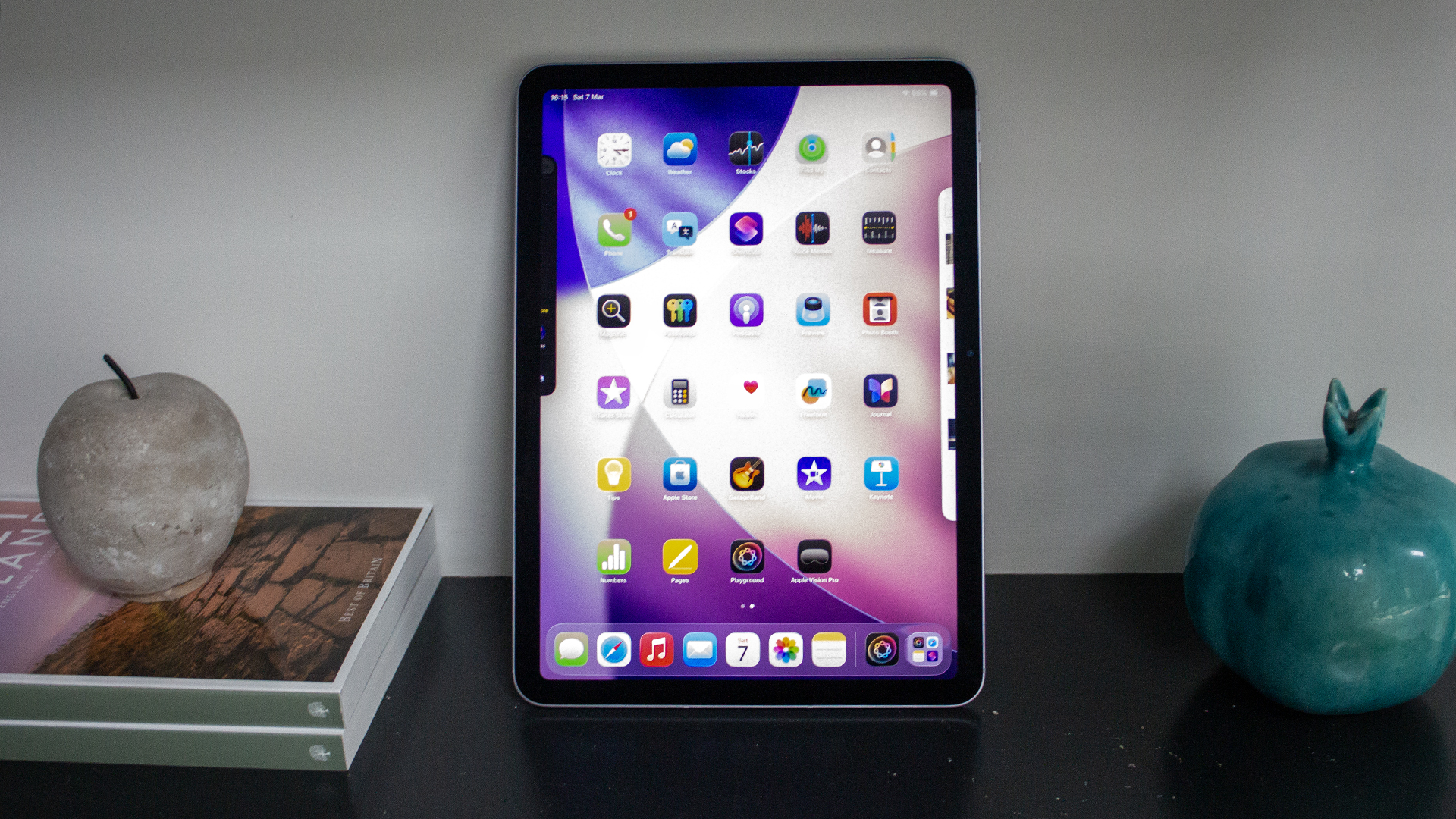
Ever since its move to using Apple’s M-series chipsets, the iPad Air has had such a comfortable lead over the competition that Apple doesn’t have to change too much with each iteration to stay on top, and that’s largely the case with the M4-toting iPad Air for 2026. Don’t get us wrong, this is easily the best Apple tablet to buy right now, but it’s not an essential upgrade for anyone already using the last two generations of iPad Air.
On this newer iPad Air, not only are you getting the unbelievable grunt of the M4 chip, but it also has an expanded 12GB RAM to lean on as you juggle more heavy-duty tasks such as gaming or video editing on the go. It’s exactly why the iPad Air is the best option for most Apple enthusiasts, as it’s more conducive for productivity than the entry-level iPad (A16), but it costs nowhere near as much as the iPad Pro.
Apple has made a few more under-the-hood tweaks that are appreciated, all thanks to the more powerful N1 networking chip. With the N1 in tow, the latest iPad Air benefits from faster Wi-Fi 7 and Bluetooth 6 connectivity, so you can enjoy quicker download/upload speeds and sturdier connections with Bluetooth-enabled accessories.
Even with all of that power on offer, there’s a frustrating lack of upgrades elsewhere – starting with the ongoing lack of Face ID. The 60Hz LCD panel is massively outdated compared to what Honor and Samsung are providing with their tablets at around the same price. Charging is also still tediously slow, too.
Still, even with those drawbacks, the brilliance of iPadOS working in conjunction with the M4 chip just can’t really be matched for the user experience, and you get years of software updates to come, which can’t always be said of the competition.
Who should buy the iPad Air (2026)?
Apple fans after the perfect middle-ground between price and power.
iPad Air (2026): Further considerations
The older display tech makes the tablet less suited for entertainment compared to other options. You might find the M3 model at a tempting price.
Read our full
Apple iPad Air 11-inch (M4, 2026) review
3. Xiaomi Pad 8 – Best Value

Pros
- Plenty of power
- Very reasonable price
- Improved battery capacity
- Premium and portable design
Cons
- Few software improvements
- Some accessory bugs
Price When Reviewed:
Unavailable in the US
Best Prices Today:
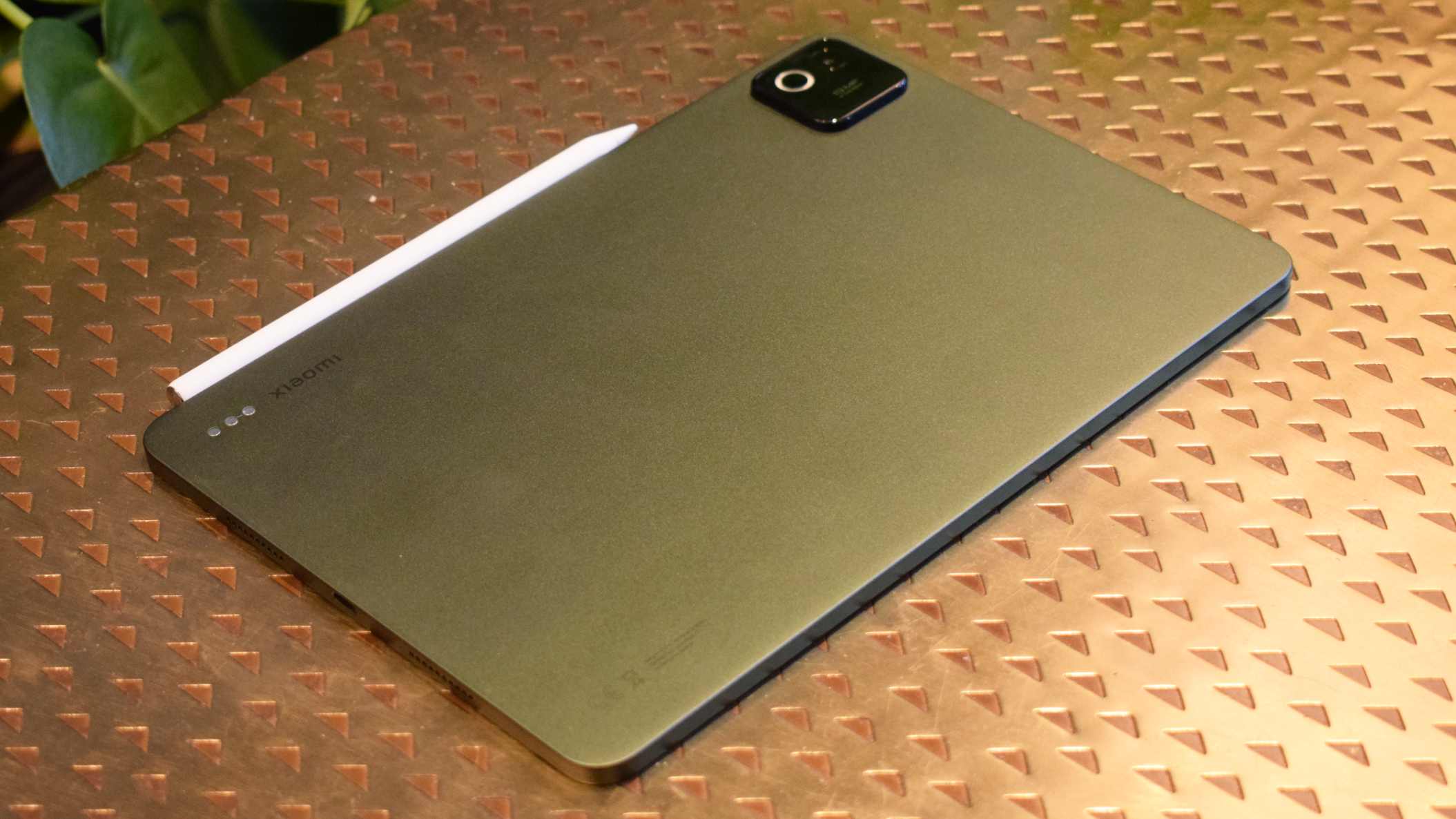
We’ve talked plenty about how big a bargain the Xiaomi Pad 7 is, and although that tablet is still widely available (usually with a discount to boot), the Xiaomi Pad 8 now offers an even better experience thanks to a major upgrade in the chipset department. If anything, the Pad 8 proves once again that no other company does value quite like Xiaomi.
The big headline feature here is that, unlike the Pad 7, which used a mid-range chipset that fell in accordance with its price tag, the Pad 8 aims for something higher with a Snapdragon 8s Gen 4 in tow. That’s the same CPU found in the Nothing Phone (3), and from our testing it performs beautifully in everyday use.
Even gaming works like a charm, with the Pad 8 capable of running more demanding 3D titles without issue. To go along with the extra horsepower is a larger 9200mAh battery, which provides more than enough juice to get you through a full day of work, or at least a long stint of travelling.
As is now unfortunately expected with Xiaomi tablets, the Pad 8 is let down by the lacklustre promise of just four years in software support. Although that’s not horrendous for a tablet of this price, it does mean that you will likely have to consider upgrading again just a few years down the line, so you’ll have to weigh up the value proposition before deciding whether the Pad 8 is right for you.
Who should buy the Xiaomi Pad 8?
Power users who don’t want to spend too much on a tablet.
Xiaomi Pad 8: Further considerations
You’ll get longer software support from cheaper iPads and Samsung tablets.
Read our full
Xiaomi Pad 8 review
4. Apple iPad (2025) – Best Value iPad
Pros
- Great performance for the basics
- Lovely and lightweight design
- Good battery life
- Double the storage of the predecessor
Cons
- No anti-reflective display
- Slow charging
- Accessories not included
- Doesn’t work with Apple Pencil Pro
Price When Reviewed:
$449 (was $349)
Best Prices Today:
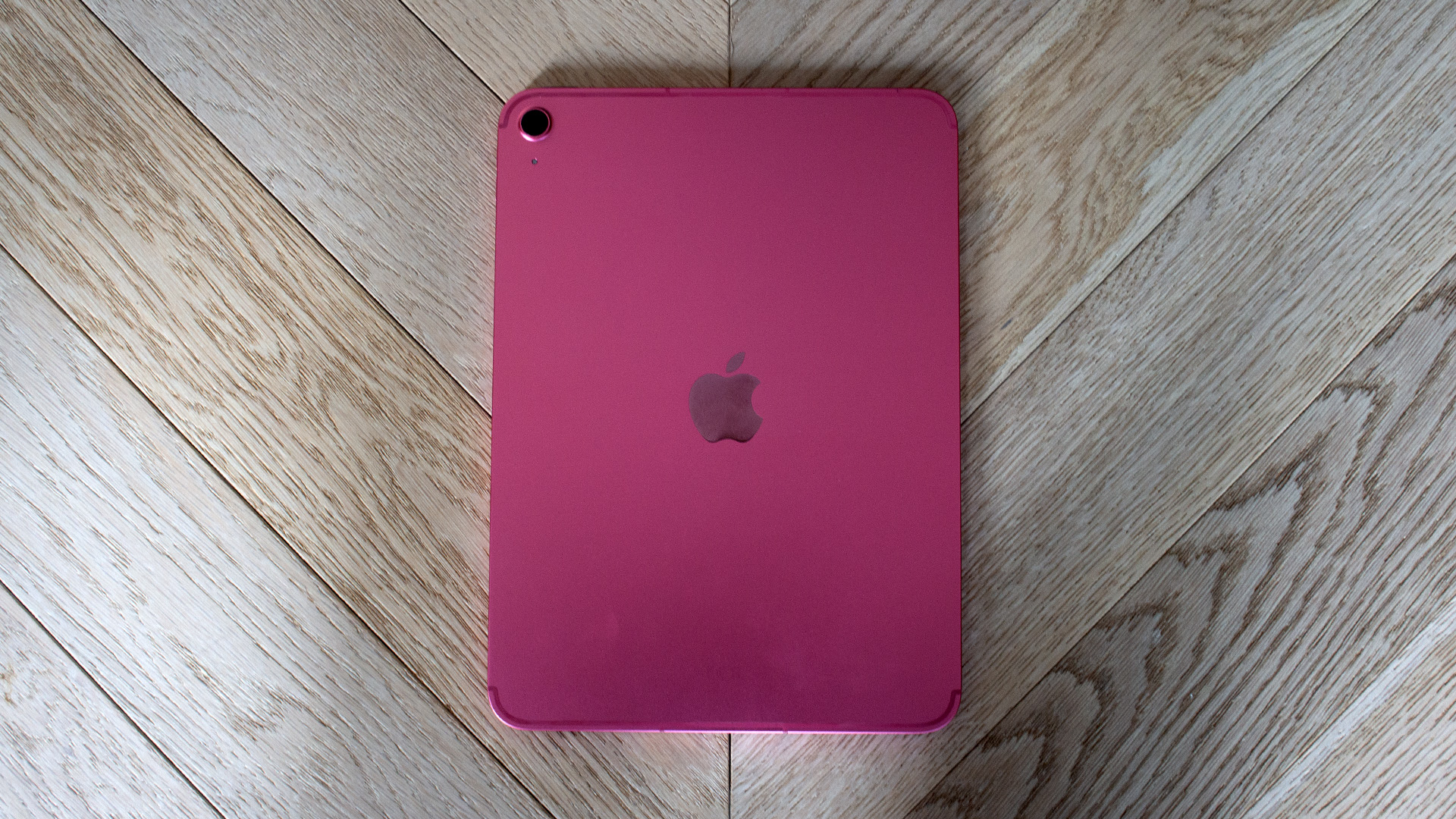
Even though there’s plenty to be gained by spending a bit more to nab the iPad Air or the iPad Pro, it’s incredible to see just how much value the base-level iPad A16 is able to bring to the table.
For starters, when it comes to the core iPadOS experience, you’re still getting access to the same great multitasking software iPad is known for, alongside top-tier apps that make it great not just for streaming and gaming, but also a spot of productivity (especially if you bring a keyboard into the mix).
The new A16 chip also means that you’re getting a decent processing bump over the previous entry-level iPad, although it’s far from the lightning-fast speeds that you’ll find on M-series iPads. Plus, the iPad A16 is now the only tablet in Apple’s range that doesn’t support Apple Intelligence.
Still, Apple has finally done away with the 64GB model, having 128GB storage set as the standard and with no price increase as a result. As a means of getting into Apple’s tablet ecosystem without spending a small fortune, the iPad A16 just can’t be beaten.
Who should buy the iPad (2025)?
Anyone who wants to experience the joy of iPadOS but doesn’t need the M-series power of more pricier iPads.
iPad (2025): Further Considerations
Things can get expensive when you factor in accessories, which is why Xiaomi tablets tend to be better value overall.
Read our full
Apple iPad (A16) review
5. Xiaomi Redmi Pad 2 – Best Budget
Pros
- Sleek design
- Decent screen
- Excellent quad speakers
- Solid battery life
Cons
- Slow charging
- Basic cameras
- Software quirks
Price When Reviewed:
Unavailable in the US
Best Prices Today:
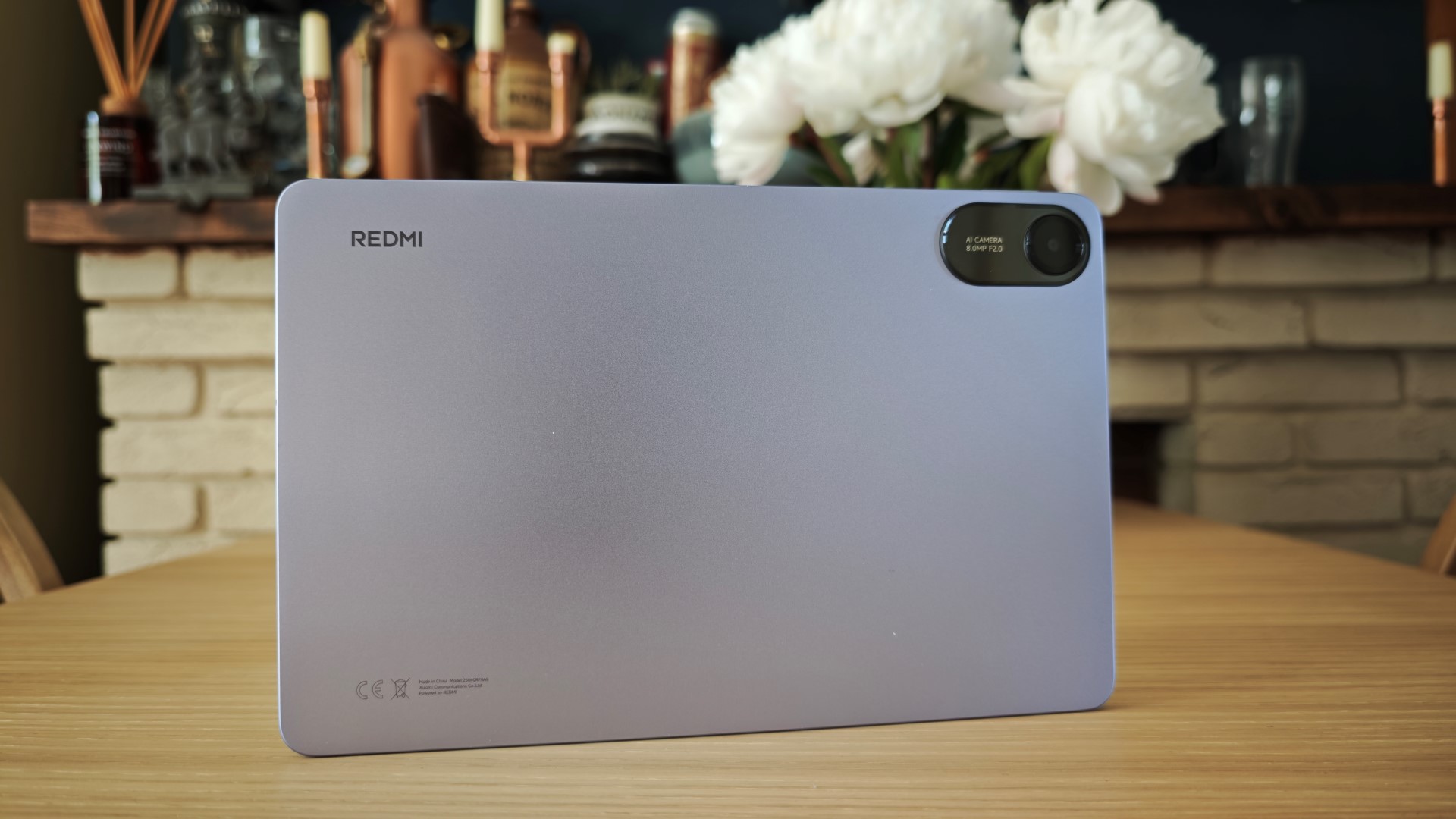
The Redmi Pad 2 is one of those Android tablets that proves Apple doesn’t really stand a chance when it comes to the true budget end of the market. At just £169, the Pad 2 is almost half the price of the entry-level iPad, but it has a few features that you won’t find on Apple’s cheapest tablet.
For example, in spite of its affordability, there’s a massive 11-inch LCD panel here that isn’t just great for watching films and TV shows, its 90Hz refresh rate also makes gaming and scrolling through social media feel effortlessly smooth.
Even the build quality manages to outshine the Pad 2’s price tag, with a sleek aluminium frame that’s not just comfortable to hold, it’s also lightweight for carrying around in a bag, clocking in at a reasonable 510g.
There is a trade-off to be had with fairly slow charging speeds and no shortage of bloatware when you first power it up, but it’s an understandable compromise given all that you get here for the money. As far as we’re concerned, there isn’t a better budget tablet right now, despite plenty of competition from the likes of the Galaxy Tab A9 series.
As a side note, we have already reviewed (and loved) the Redmi Pad 2 Pro. With a matte display, it’s a better tablet for entertainment on the go, but as far as we’re concerned, the standard Redmi Pad 2 offers better value for money overall.
Who should buy the Redmi Pad 2?
Budget-conscious buyers who are determined not to spend more than a couple of hundred.
Redmi Pad 2: Further Considerations
The overall software experience can be more refined if you’re ready to spend a little extra at the checkout.
Read our full Redmi Pad 2 review
6. Apple iPad Pro (M5) – Best for Creatives
Pros
- Stunning display
- Superb performance
- Gorgeous slim and lightweight design
- Fast charging
Cons
- Very expensive
- Nano-texture coating only available on some models
- Accessories not included
Price When Reviewed:
$999
Best Prices Today:
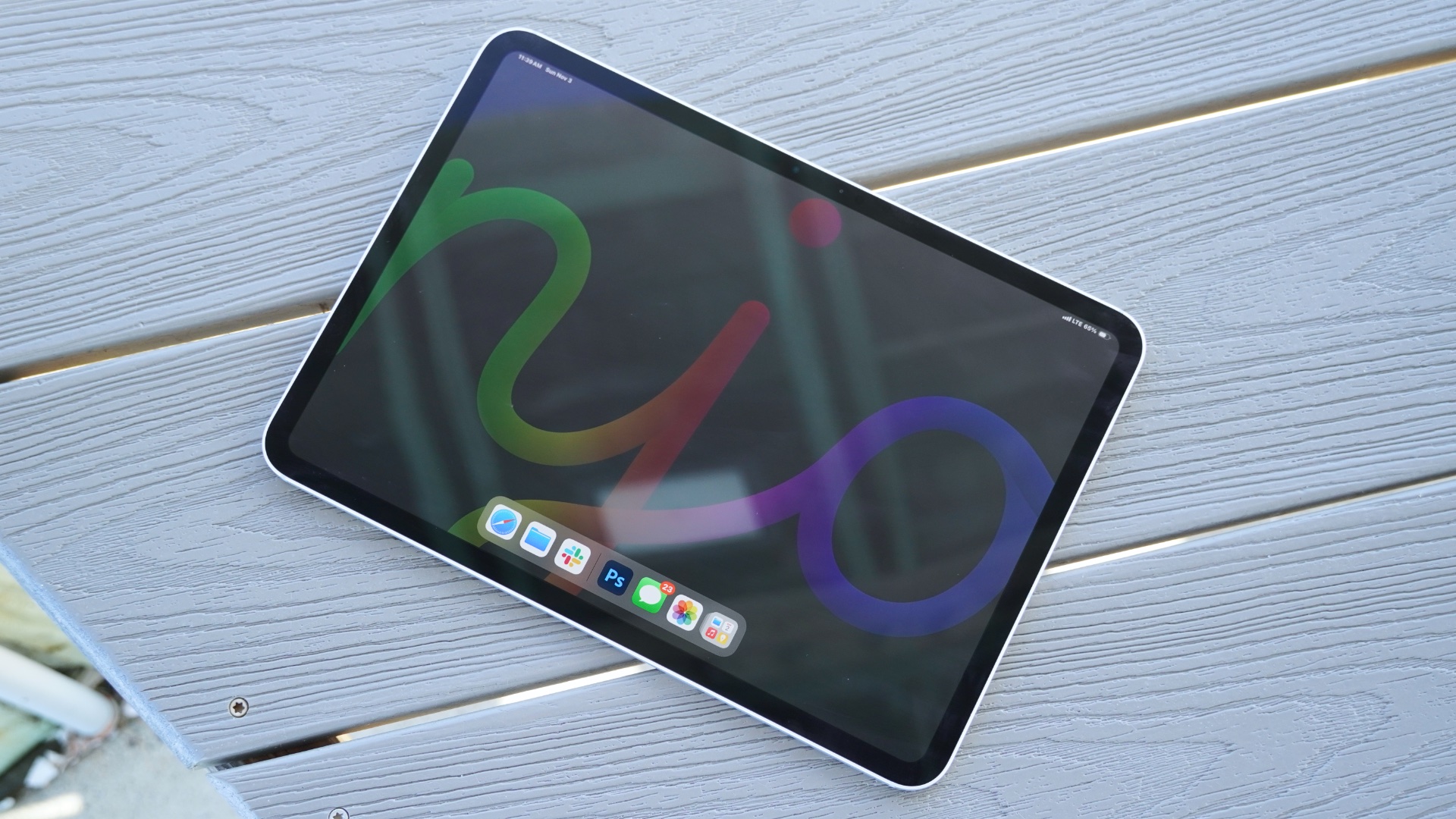
If you want the absolute best tablet money can buy, it’s probably the latest iPad Pro. But for most people, the upgrade compared to the iPad Air isn’t enough to justify the higher price tag.
Like the Air, the Pro is also available in 11- and 13-inch sizes. However, it’s the move to OLED that sets the screens apart, delivering incredibly vibrant colours and deep blacks.
You also get Apple’s M5 chip, which delivers better performance than the vast majority of laptops. When combined with the Magic Keyboard and/or Apple Pencil (both sold separately), it’s a brilliant tablet for creatives.
But is that you? If not, you’ll probably be just as happy with the Air or a MacBook if productivity is your top priority. At this price, it’s simply not worth it for most people.
However, for the right person, the iPad Pro is a stellar tablet.
Who should buy the Apple iPad Pro (M5)?
Power-users who need the absolute best tablet performance and are willing to pay for it.
Apple iPad Pro 11-inch (M5): Further Considerations
The M4-toting iPad Air has enough power for most people, and it’s nearly half the price.
Read our full
Apple iPad Pro 11-inch (M5, 2025) review
7. Samsung Galaxy Tab S11 Ultra – Best Large Tablet
Pros
- Stunning display
- Great performance
- Clever front camera setup
- Good accessories
Cons
- It’s too big to use without a keyboard or stand
- S Pen is less capable than before
- Astronomical price
Price When Reviewed:
From $1,159
Best Prices Today:
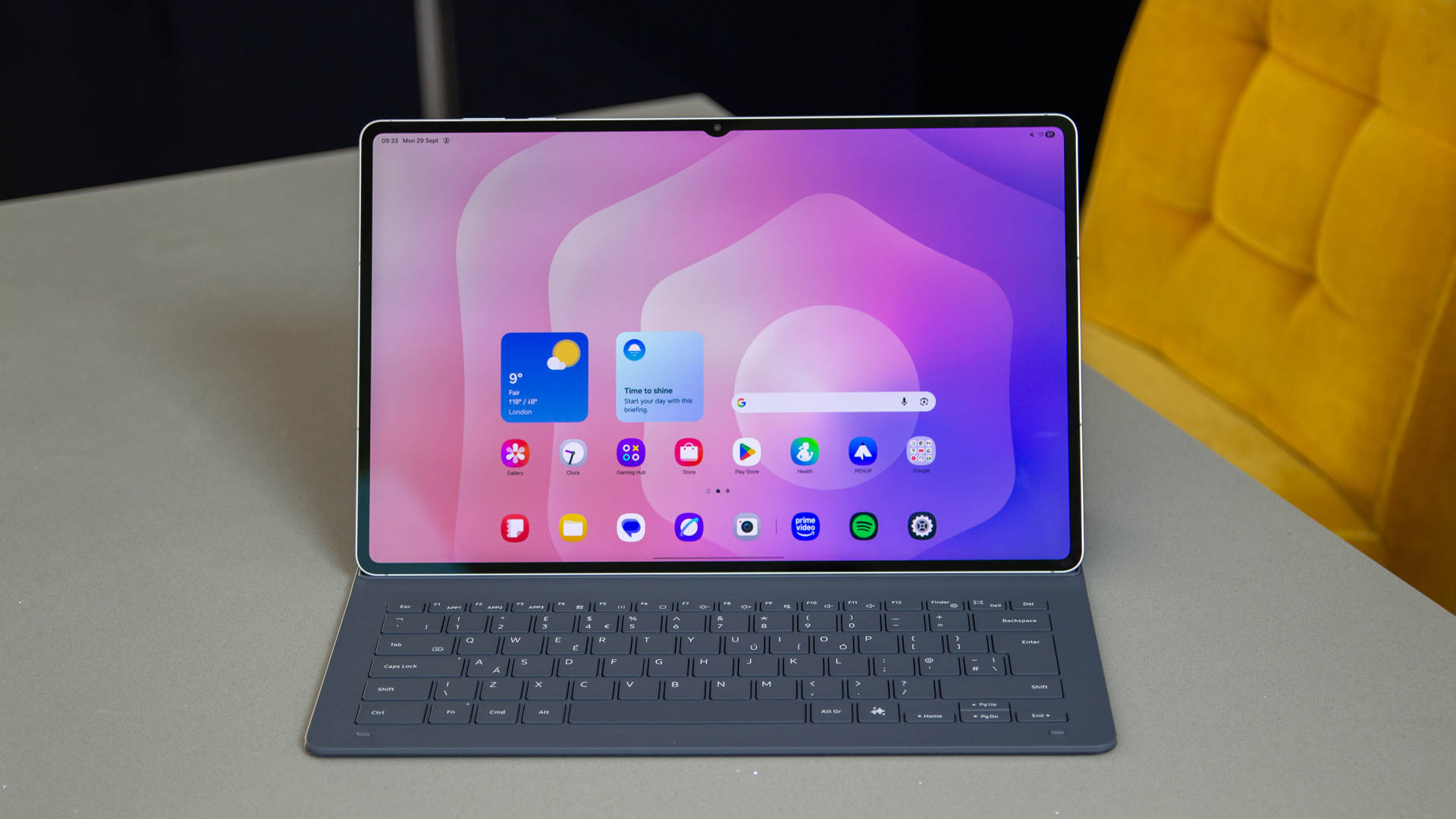
When it comes to truly flagship-level tablets, you only really have two options: the latest iPad Pro or the Samsung Galaxy Tab S11 Ultra. Within the Android space at least, Samsung’s latest top-tier tablet is hosting a party of one as it absolutely trumps all other tablets in terms of specs and raw power, not to mention in price as well.
With a 14.6-inch 2.9K AMOLED display, the Tab S11 Ultra feels a lot more like a dedicated laptop than a tablet, and that sentiment only doubles down when you bring a keyboard into the mix. Still, having that larger display is also great for digital artists who want plenty of space to scrawl with the included S Pen stylus.
The MediaTek Dimensity 9400+ chipset which can be found within this tablet is nothing short of a total powerhouse. In our tests, the tablet could zip between demanding apps like it was nothing, and if you’re the type of user who wants a tablet that works equally well for productivity and entertainment, then you’ll feel right at home with what Samsung has put together.
The only big hurdle to all of this is the price. With a starting RRP of £1199/$1199, the Tab S11 Ultra is anything but affordable, so it’s worth having a think about whether or not you’ll truly make use of all of its features to justify the expense. If you’re happy to plough ahead then rest assured that there isn’t really another Android tablet out there right now that can match Samsung’s flagship.
The rumour mill is starting to kick up now about the inevitable Samsung Galaxy Tab S12 Ultra, with some leaks hinting at increased performance with a much beefier MediaTek chipset. If you’re obsessed with having the most amount of power at your disposal then you may want to hold off for just a little longer.
Who should buy the Samsung Galaxy Tab S11 Ultra?
High-end users who want zero compromise on specs and flagship features.
Samsung Galaxy Tab S11 Ultra: Further considerations
The high asking price will be an immediate turn-off for some.
Read our full
Samsung Galaxy Tab S11 Ultra review
8. Xiaomi Pad 8 Pro – Best Value Workhorse
Pros
- Good value for money
- Great performance and hardware specs
- Useful range of accessories
- Good battery life and fast charging
Cons
- Display glare and limited brightness
- Inconvenient camera bump
- No IP rating
Price When Reviewed:
Unavailable in the US
Best Prices Today:
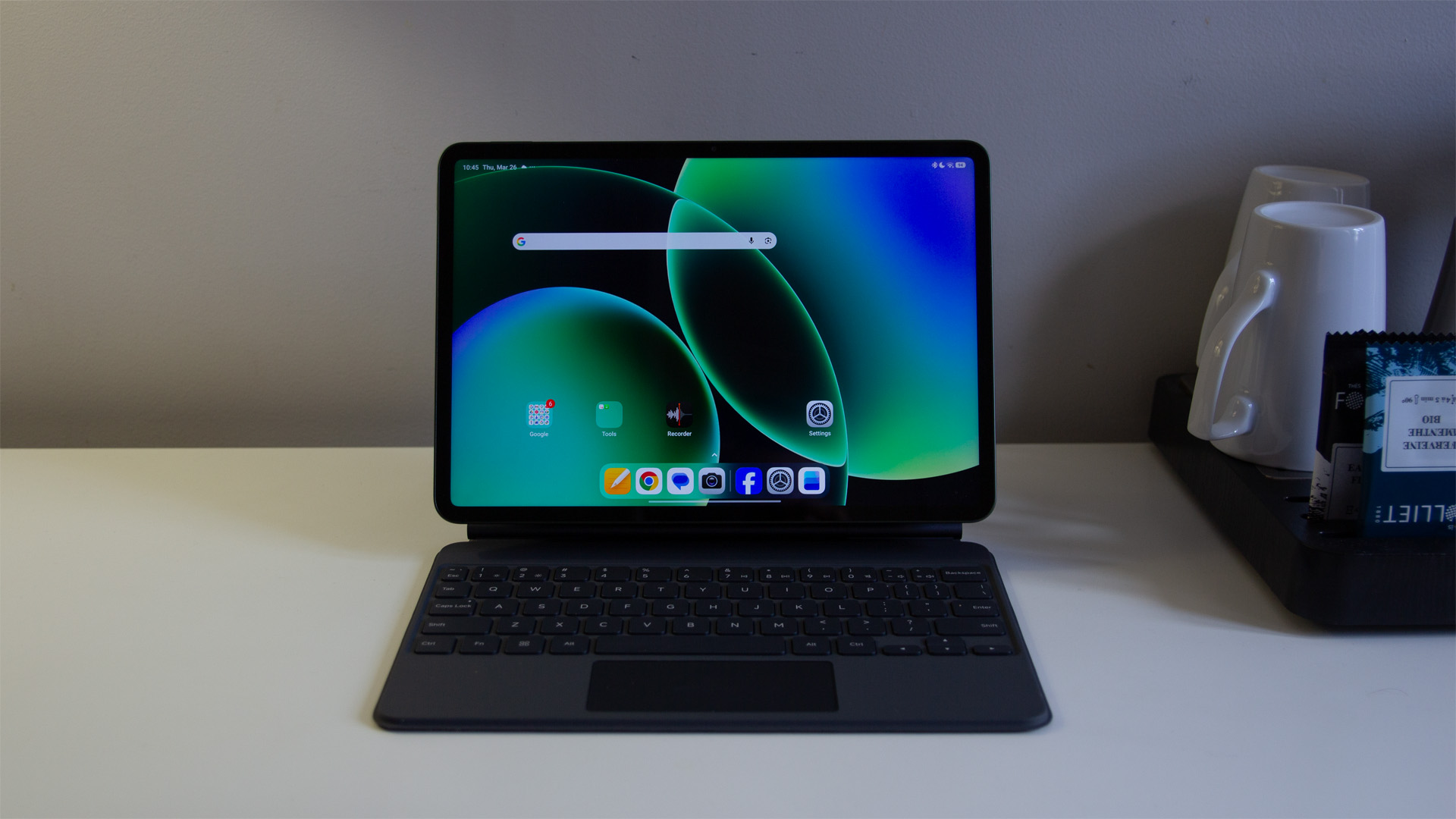
If the standard Pad 8 is Xiaomi’s way of offering a more alluring and feature-packed alternative to lower-end tablets from Samsung and Apple, then the Xiaomi Pad 8 Pro is designed to tempt the productivity market away from options like the OnePlus Pad 3 or the Honor MagicPad 4.
What’s outrageous is that in spite of its £529 starting price, it packs the massively powerful Snapdragon 8 Elite chipset, the same one that powered most of last year’s flagship phones and continues to be a workhorse even now. There’s also Wi-Fi 7 connectivity thrown in, so the Pad 8 Pro can be a great productivity tablet for those who need it to be.
In fact, the Workstation mode lets you window and resize apps much like you would on a traditional desktop, so multitasking is a breeze. For when it’s time to log off from work, all that power easily translates into terrific performance with demanding 3D games, and the 144Hz refresh rate is ideal for fast-paced titles like Call of Duty Mobile.
Strangely, the Pad 8 Pro’s display is almost identical to that of the Pad 8, but given that the former costs a fair bit more, we would have liked to see a brightness level that went beyond 800 nits as reflections can get in the way of usability at times – so consider the Matte Glass Display model. There’s no IP rating either, so make sure you don’t spill your coffee when working away on the Pad 8 Pro.
Who should buy the Xiaomi Pad 8 Pro?
Productivity users who want flagship performance at the lowest price possible.
Xiaomi Pad 8 Pro: Further considerations
The screen can be obscured by too much natural light.
Read our full
Xiaomi Pad 8 Pro review
9. OnePlus Pad 3 – Best Battery & Charging

Pros
- Big and beautiful display
- Brilliant performance
- Superb battery life
- Premium design
- Useful multitasking features
Cons
- Only 3 years of OS updates
- Keyboard cover needs work
- No IP water or dust resistance
Price When Reviewed:
$699.99
Best Prices Today:


14% off original price$599.99
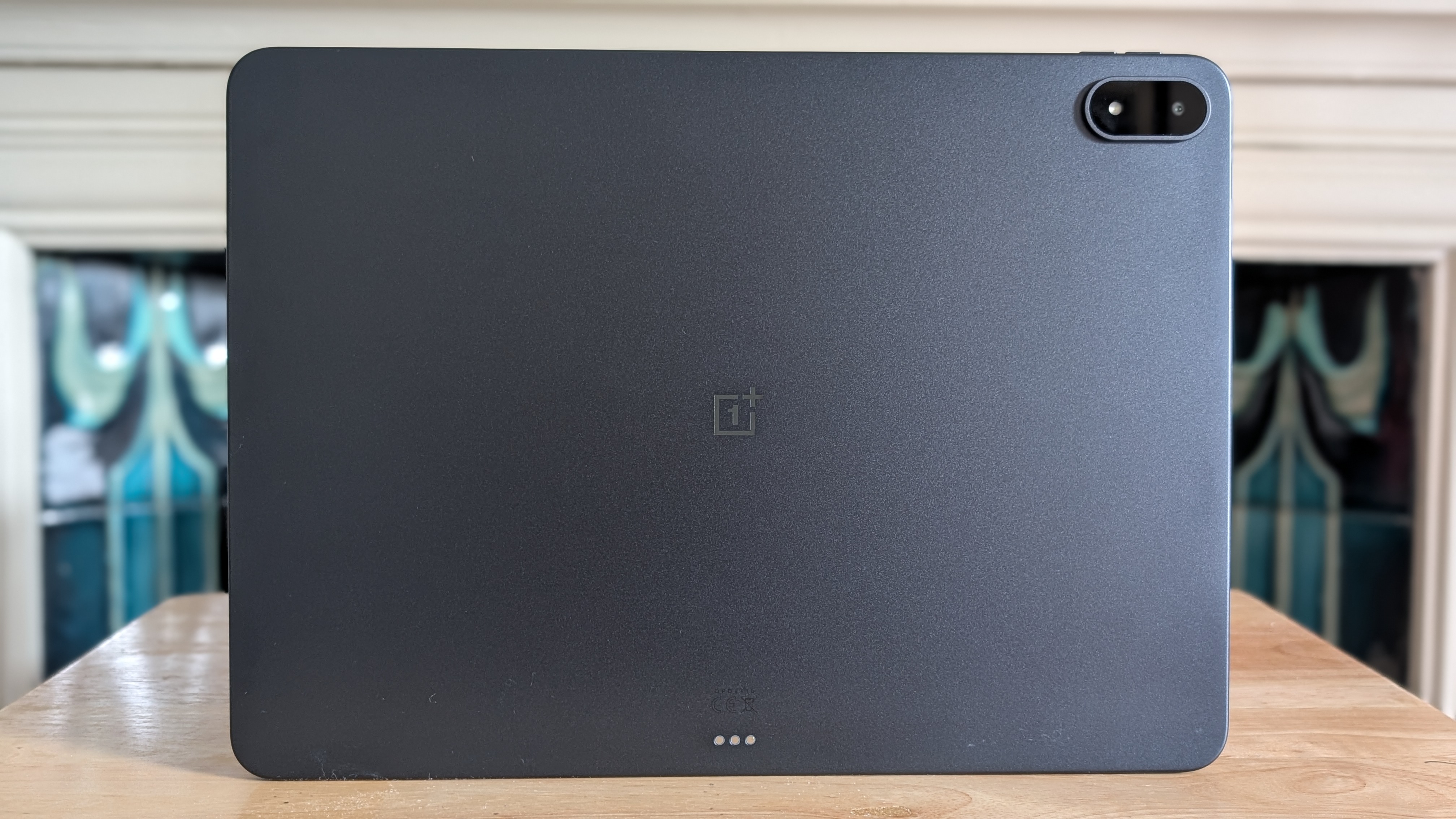
OnePlus has gradually been improving its tablet offering ever since the original OnePlus Pad, but now it feels as though the company has truly hit its stride with its third-gen tablet that takes multitasking to a whole new level.
Originally available on the OnePlus Open, the company’s Open Canvas software arguably feels more at home on the Pad 3 as you can have up to three apps open at a time (even more if one is in windowed mode). This just makes the tablet great for those who are constantly on the go but want to get work done on a device that’s slimmer and more portable than a laptop.
What helps to keep things feeling smooth is the Snapdragon 8 Elite chipset, which can handle everything from on-device gaming to AI processing with ease. In our time testing the device, there was never really a moment when it buckled under pressure.
What’s arguably even more impressive is that, in spite of all the multitasking that the OnePlus Pad 3 is able to achieve, the battery life never falls short as a result. With a 12,140mAh cell under the hood, we were able to get through a full working day and still have more than 50% left in the tank.
Although OnePlus has since shuttered its Western operations following the release of the Pad 3, you can still find the device at certain retailers and you’ll still get support. There is a OnePlus Pad 4 on the market but without a proper Western release, we have been unable to get our hands on a review unit and it’s more expensive anyway.
Who should buy the OnePlus Pad 3?
Anyone who loves to use a tablet for productivity. It’s just unbeaten when it comes to multitasking.
OnePlus Pad 3: Further Considerations
Android just isn’t as well optimised for tablets as what you’ll find on iPadOS.
Read our full
OnePlus Pad 3 review
10. Apple iPad mini (2024) – Most Compact

Pros
- Excellent build quality
- Compact and light
- Class-leading performance
- Feature-rich
Cons
- Expensive
- Slow charging
- 60Hz refresh rate
Price When Reviewed:
$599 (was $499)
Best Prices Today:
5% off original price$569
$574
$599
$599
$599
$599
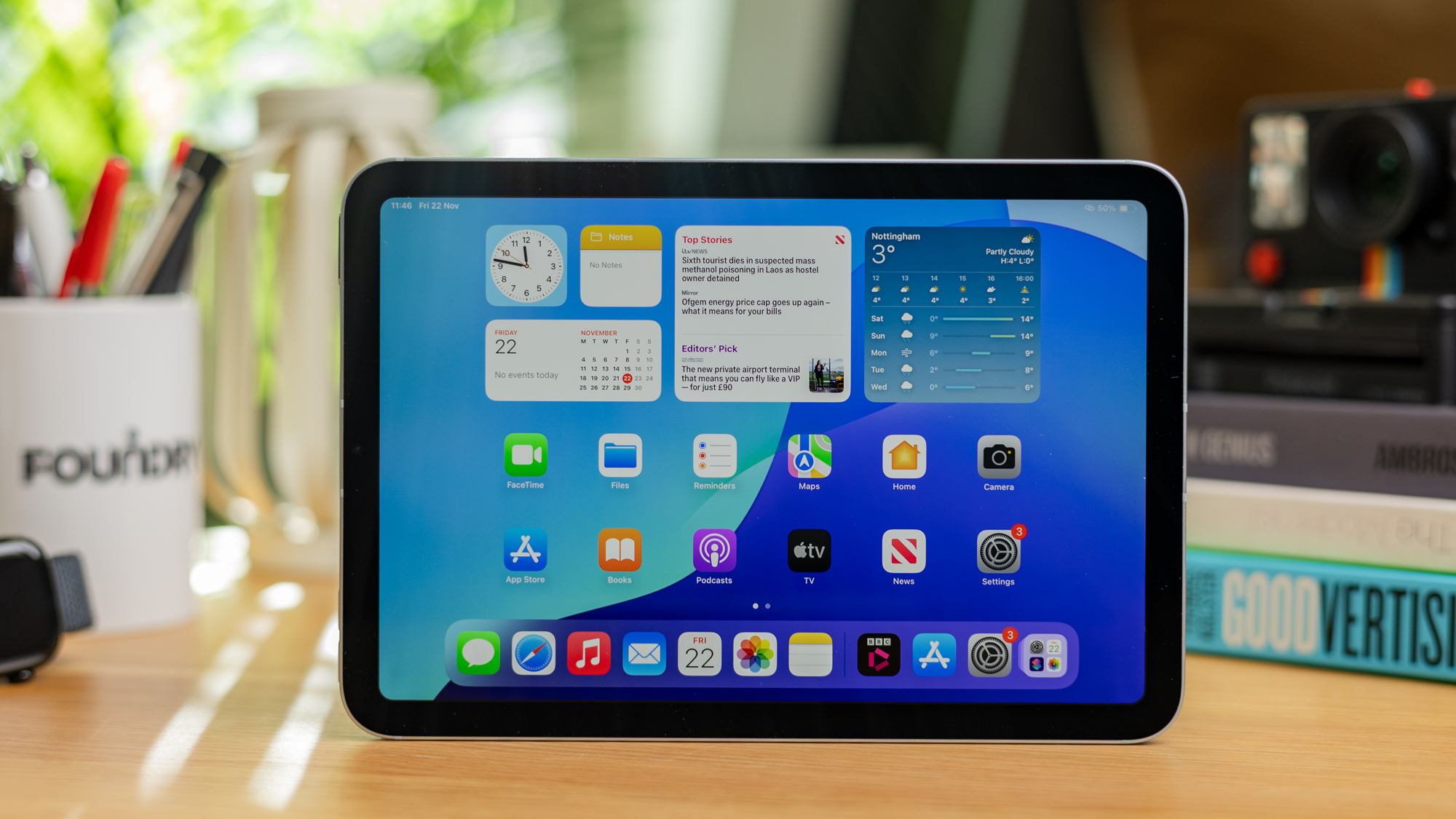
If you’re in the market for a small tablet, there’s still no better option than the iPad mini 7. This latest 2024 model offers the familiar iPad experience we’ve grown accustomed to in a device with a compact 8.3-inch panel.
The LED display itself is good, but nothing remarkable, offering a 1440p resolution but sticking at a 60Hz refresh rate. But it excels elsewhere, with superb performance from Apple’s A17 Pro chipset, brilliant build quality and the best tablet software around in iPadOS, especially with Apple Intelligence support now.
Unlike most Apple devices, the iPad mini doesn’t include Face ID, persisting with Touch ID built into the power button. The bezels are also very chunky and charging is slow, though solid battery life helps soften the blow.
Ultimately, the iPad mini is only suitable for people who want a small tablet with a lot of power. If that’s you, this is the best option on the market.
Given that it’s been quite a while now since this iteration of the iPad Mini came out, there are now rumours about an upgrade being on the cards fairly soon, potentially with an OLED display. If you’ve been turned off by the current Mini because of its LCD panel, then it might be worth holding out for this successor to hit the scene.
Who should buy the Apple iPad mini (2024)?
Someone who wants a super portable tablet with a high-end software experience.
Apple iPad mini (2024): Further Consideration
The standard iPad (2025) has a larger display and is also cheaper if size isn’t paramount.
Read our full
Apple iPad mini (A17 Pro) review
Other tablets tested
Even though the tablets featured in this article are our current picks for the absolute best you can buy, there are still plenty of others that almost made the cut:
- Samsung Galaxy Tab S11 – With a luscious 11-inch 120Hz AMOLED display that works in tandem with a quad speaker set-up, the Tab S11 is one of the best options out there for entertainment, the problem is that it’s quite a bit more expensive than the iPad Air and the OnePlus Pad 3, which makes it tricky to recommend above its competitors unless you can find it at a discount.
- Xiaomi Redmi Pad 2 Pro – Here’s a tablet that absolutely crushes on pure value, particularly if you pick up the version with a matte display. Given that such tech usually costs a great deal more (just look at the matte version of the iPad Pro), this is a great buy for productivity and entertainment on the go as it can minimise reflections to make for a better viewing experience.
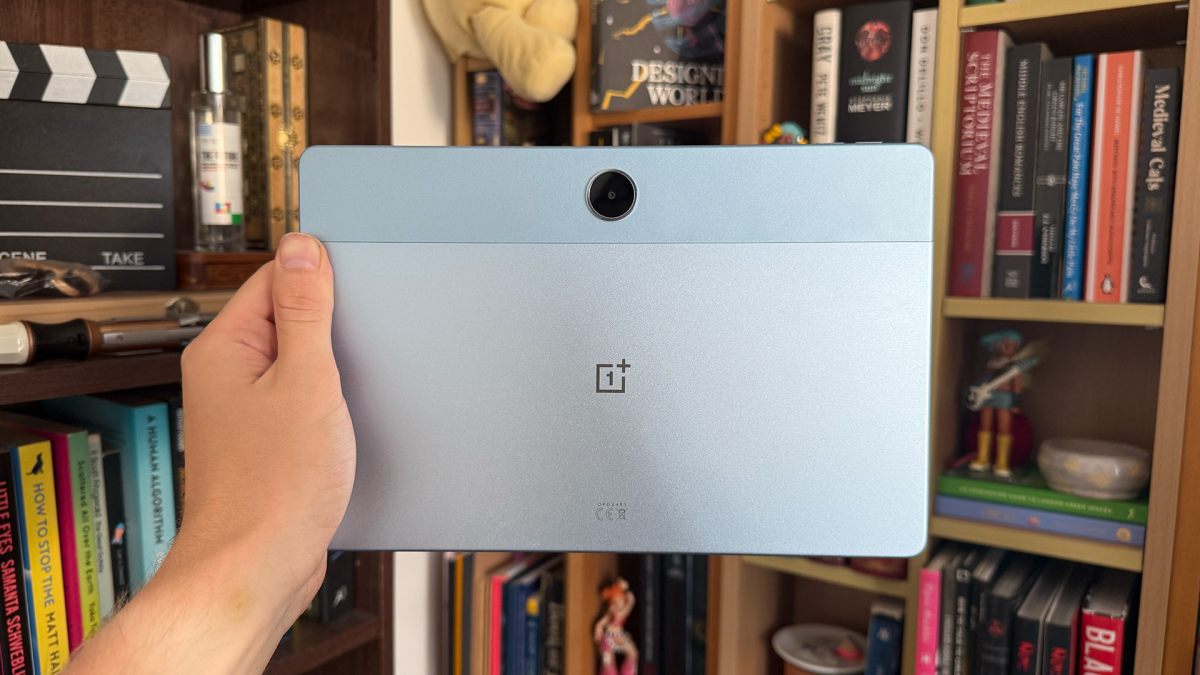
- Honor Pad V9 review – If you’re looking for an affordable all-rounder, then the Pad V9 is still a great option, now available for under £300. It has little in the way of compromises beyond bad cameras (which don’t matter too much on a tablet) and sub-par software support. It’s got a great screen, speakers, design and performance.
Adam Smith / Foundry
For a wider range of options, make sure to check out the following tablets:
Tablet news that could affect your buying decision
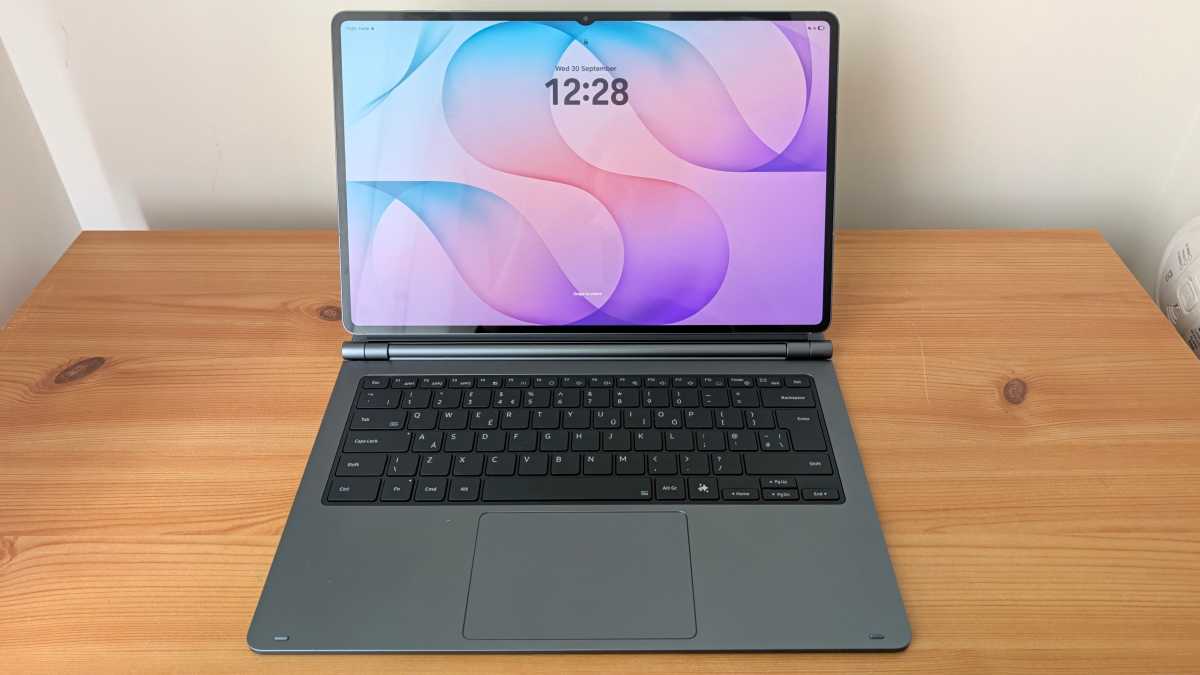
After plenty of leaks and rumours, the Samsung Galaxy Tab S12 range is finally here, comprising the premium Tab S12 Ultra and the similarly large but slightly more affordable Tab S12+. While we’re in the process of reviewing both tablets, and we recommend holding off on purchasing a new Samsung tablet until our final verdicts are in, you can read our first impressions of the Tab S12 Ultra in the interim.

Anyron Copeman / Foundry
Elsewhere, OnePlus has pulled out of the US, UK and European markets completely and all devices are sold out on the official stores. However, you can still get them from retailers while stocks last and the firm has promised full support, including OS and security updates (though a switch to ColorOS), so you can still buy with confidence. Over time, however, we’ll remove OnePlus devices from our best picks as they get too old or unavailable. Parent company Oppo is making a charge, particularly in the UK, and we’ll have a Pad 5 review soon.